Crazyflie Case Study
Crazyflie Case Study by HHU STUPS Group
Python JSON RPC Server with Crazyflie
This repository contains the source code for a Python JsonRPC server implementation. Furthermore, this repository provides some functionality of the crazyflie python library via ZMQ and the B Machines that can interface with it.
The code for the JSON RPC server is implemented in the files
zmq_rpc.py and cf_rpc.py.
Getting started
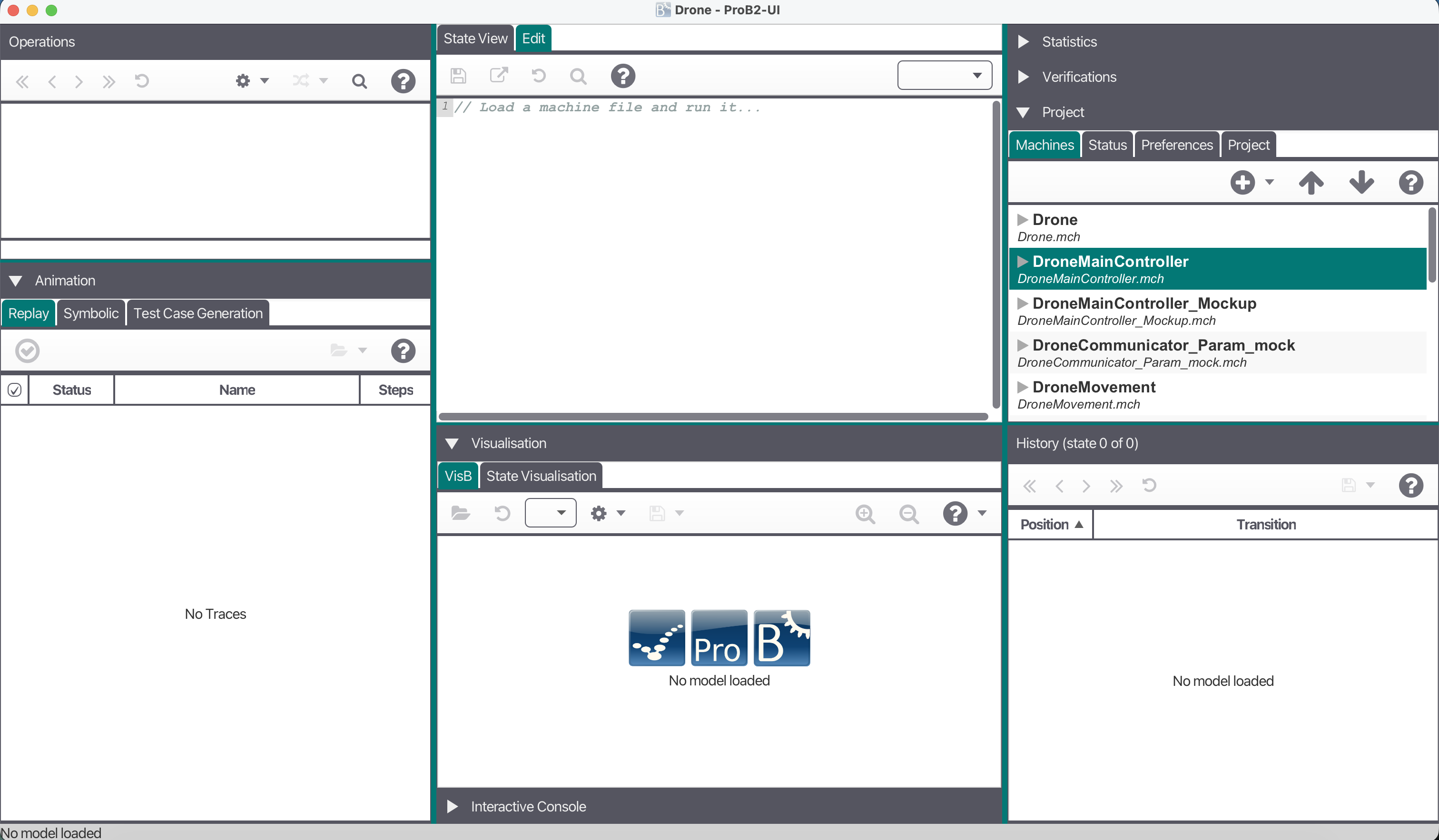
- Install ProB2-UI in its latest nightly version.
- Start Crazyflie server
python cf_rpc.py- Load the
Drone.prob2projectand loadDroneMainController.mch
For animation:
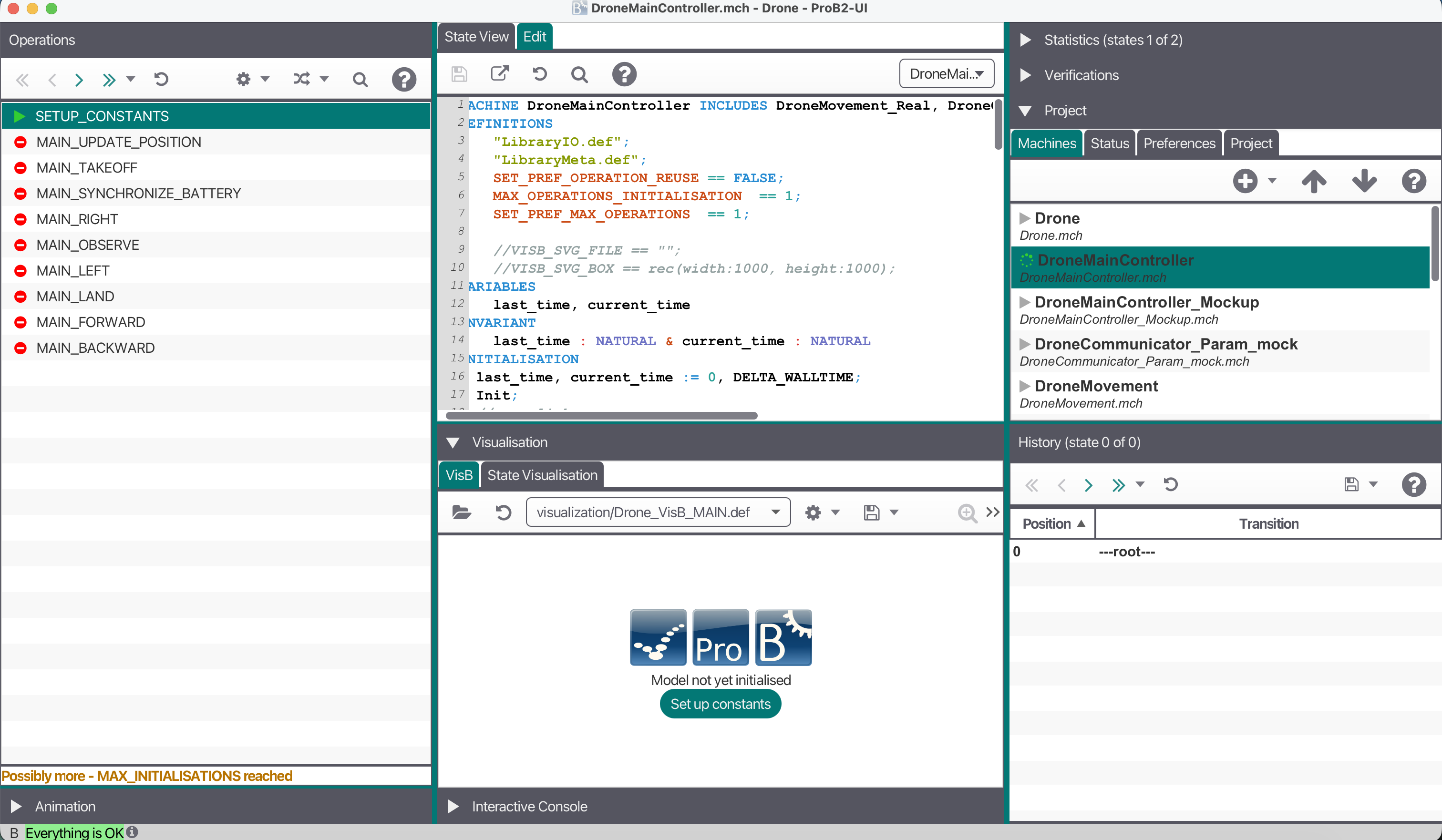
- Perform
SETUP_CONSTANTS,INITIALISATION. - Perform other flying actions
MAIN_TAKEOFF,MAIN_FORWARD,MAIN_OBSERVEetc.
For autonomous execution as Hardware-in-the-loop Execution or Simulation:
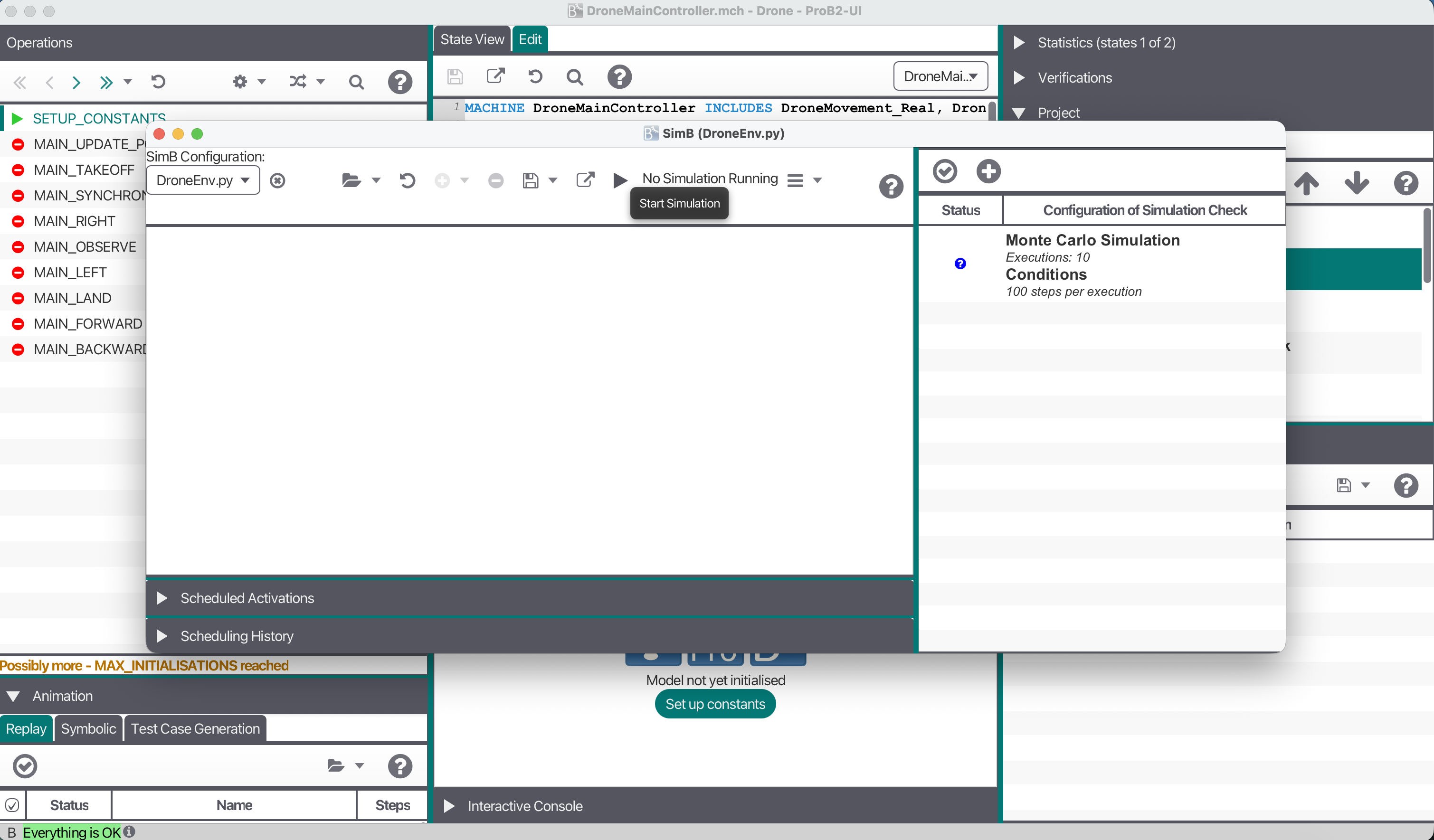
- Open SimB in ProB2-UI
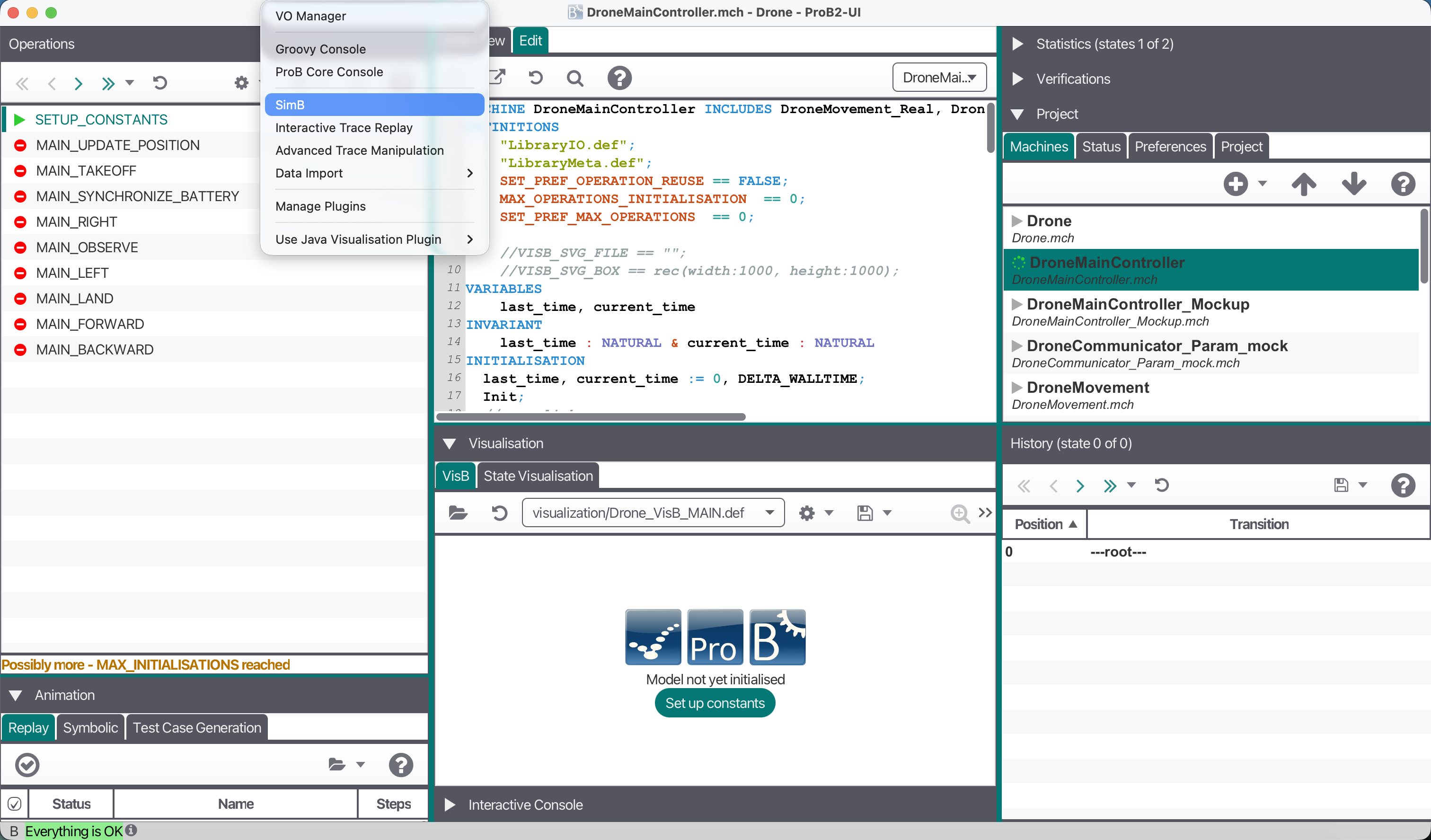
- Load RL Agent `DroneEnv.py
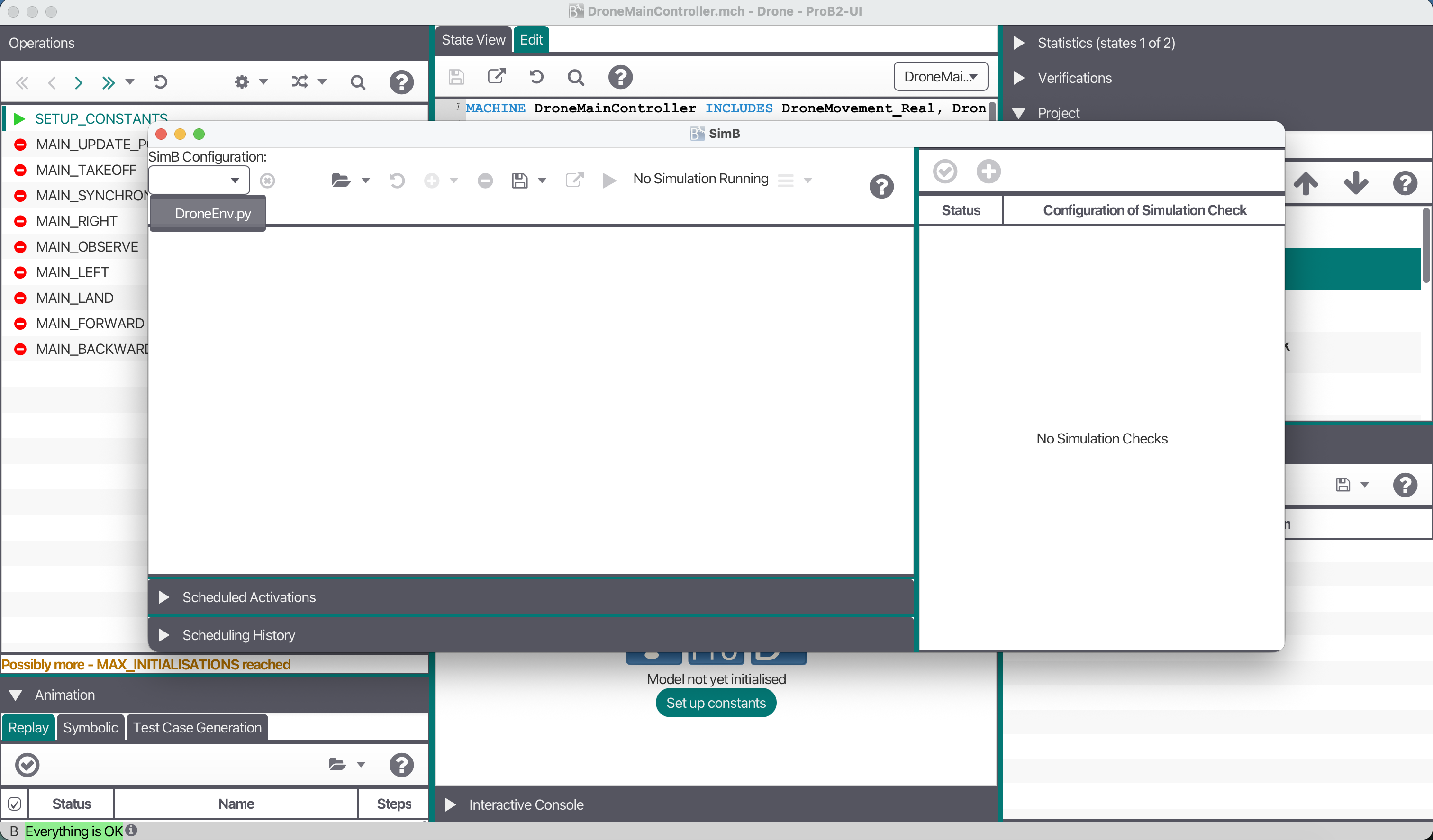
- Start the RL agent as a SimB simulation by clicking on the
Startbutton
Real World Scenarios
HTML Scenarios with Videos
More Scenarios
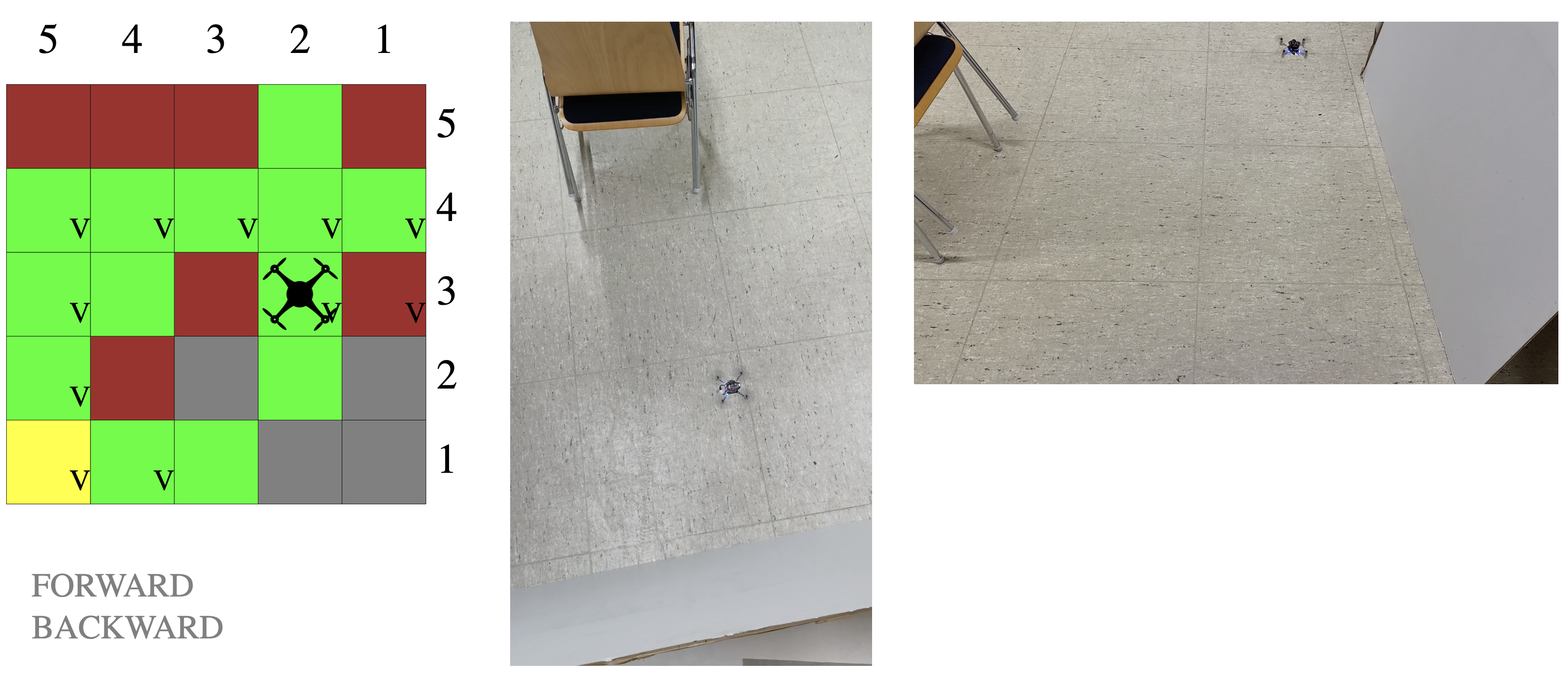
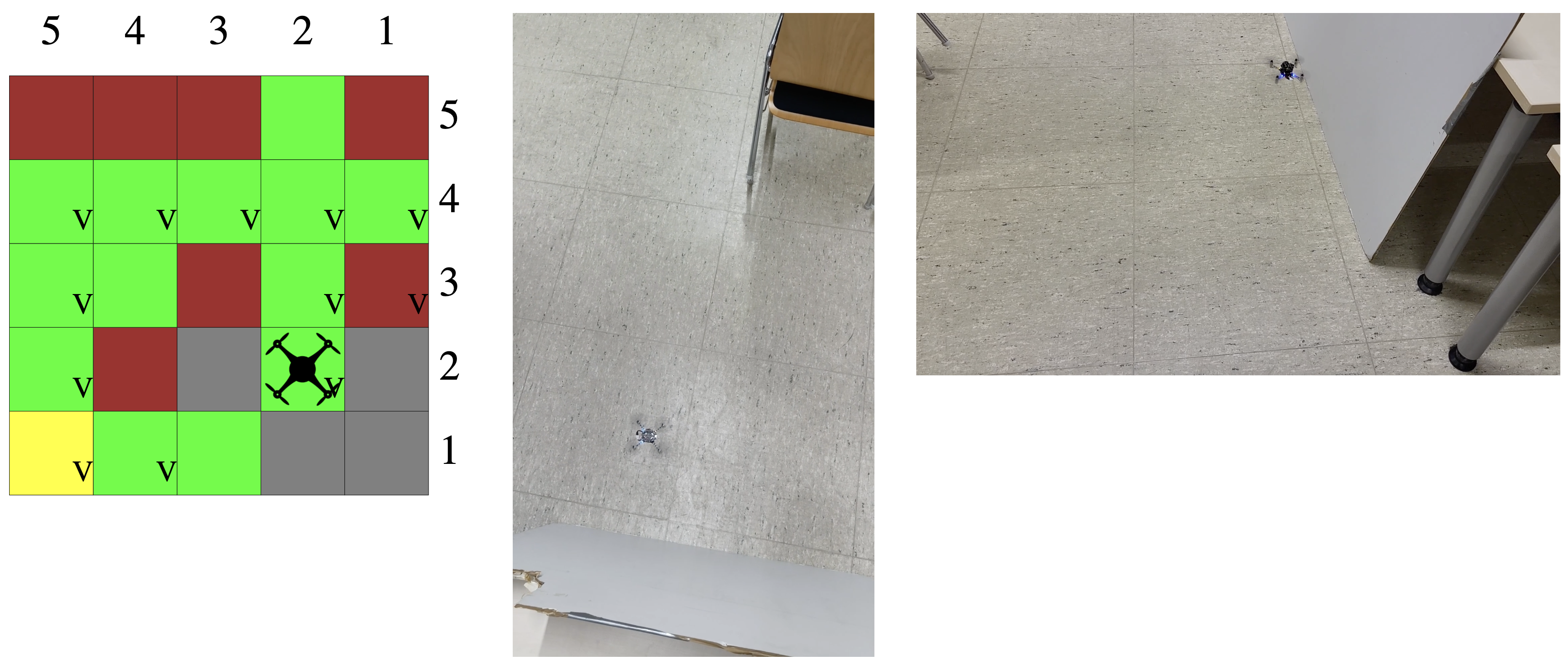
Example
State before action to fly backward:
State after action to fly backward:
Interaction with Crazyflie Server
One can interact with the Crazyflie server through the
DroneCommunicator.mch B model, which can be loaded in the
formal method tool ProB2-UI (https://github.com/hhu-stups/prob2_ui).
The available commands to control the drones are as follows:
| Command | Description |
|---|---|
| Init | Initialize communication with Crazyflie server |
| Destroy | Destroys connection to socket |
| open_link | Opens connection to a drone |
| close_link | Closes connection to a drone |
| register_sensors | Registers sensors of drone |
| Drone_Takeoff | Sends command to drone for taking off |
| Drone_Land | Sends command to drone to land |
| Drone_Left(dist) | Sends command to drone to fly left |
| Drone_Right(dist) | Sends command to drone to fly right |
| Drone_Up(dist) | Sends command to drone to fly upward |
| Drone_Downward(dist) | Sends command to drone to fly downward |
| Drone_Forward(dist) | Sends command to drone to fly forward |
| Drone_Backward(dist) | Sends command to drone to fly backward |
| Drone_GetLeftDistance | Read distance sensor to the left |
| Drone_GetRightDistance | Read distance sensor to the right |
| Drone_GetUpDistance | Read distance sensor to the up |
| Drone_GetDownDistance | Read distance sensor to the down |
| Drone_GetForwardDistance | Read distance sensor to the forward |
| Drone_GetBackwardDistance | Read distance sensor to the backward |
| Drone_GetX | Read x position of drone |
| Drone_GetY | Read y position of drone |
| Drone_GetZ | Read z position of drone |
Evaluation
In the following, we show the results of the RL agent in the simulation and compare them to the actual performance in the real-world, demonstrating the simulation-to-reality gap.
Performance of RL Agent in Simulation
| Metric | Unshielded Agent | Shielded Agent |
|---|---|---|
| Safety-Critical Metrics | ||
| Mission failure [%] | 2.9% | 0.0% |
| Mission successful [%] | 24.9% | 24.1% |
| Mission fail-safe (with base return) [%] | 44.1% | 47.9% |
| Mission fail-safe (without base return) [%] | 28.1% | 28.0% |
| Performance Metrics | ||
| Actions performed | 129.31 ± 56.81 | 130.65 ± 61.06 |
| Mission coverage [%] | 93.72% ± 9.55% | 92.92% ± 11.41% |
| Total reward | 1004.00 ± 715.28 | 1010.40 ± 674.17 |
This evaluation results from Monte Carlo simulation. The
corresponding traces are available in Shielded
Agent and Unshielded
Agent, respectively. The Monte Carlo simulation as well as the
traces are accessible through the project
Drone.prob2project, which can be opened in
ProB2-UI
Performance of RL Agent in Real World
This evaluation results from running the RL agent in the real
world. The corresponding traces are available in Real
Traces (some with videos). The traces are accessible through the
HTML export and the project Drone.prob2project, which can
be opened in ProB2-UI. One can re-run those traces
through the B machine configured for replay DroneMainController_replay
| Metric | Shielded Agent |
|---|---|
| Mission Performance | |
| Mission coverage [%] | 54.60% ± 18.93% |
| Exploration Statistics | |
| Position changes / Position updates | 49 / 200 (24.50%) |
| Re-explored fields / Observed fields | 428 / 665 |
| Inconsistent detections / Re-explored fields | 28 / 428 (6.5%) |